
It is possible to access your email accounts without having to configure an email program on your PC/Tablet/Phone. Webmail provides a quick and secure way to check your email using a web browser.
If you've purchased both your domain and hosting from Blake Mark Productions then your webmail can usually be accessed via https://yourdomain/webmail
e.g. if your domain is example.co.uk then you'll use https://example.co.uk/webmail
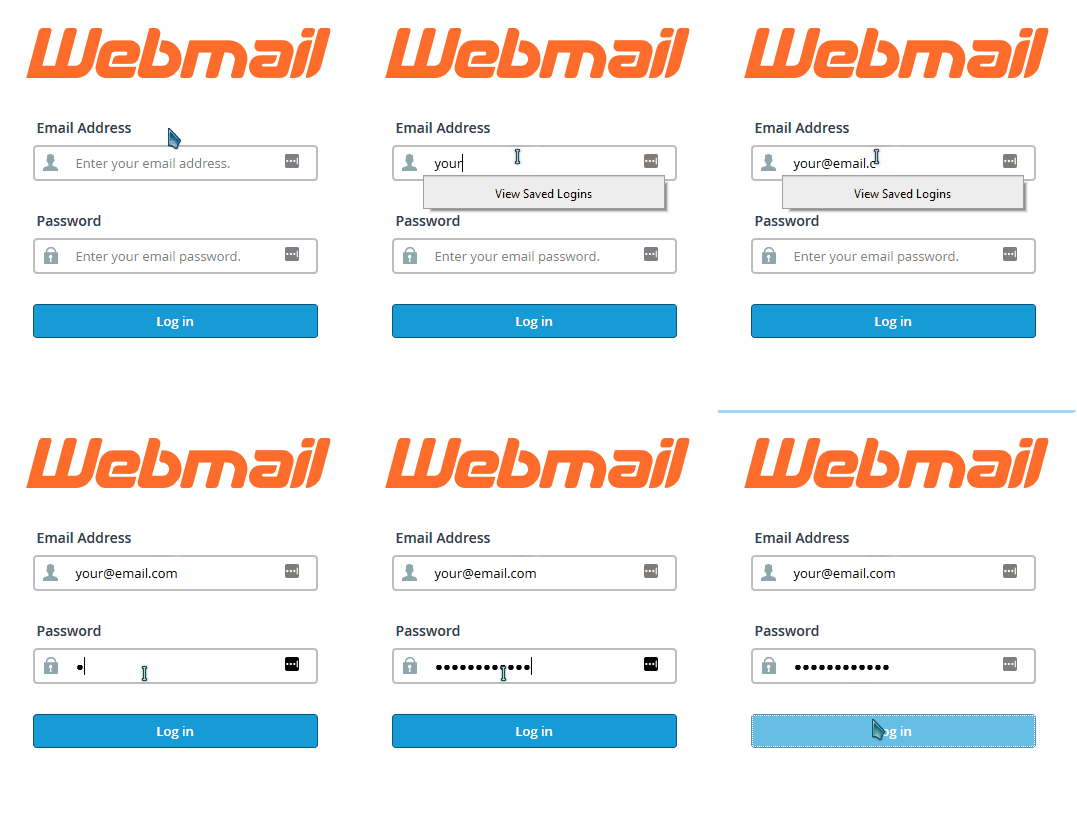
If your domain name does not resolve to our server's IP address (usually because your nameservers are not set to Krystal's), then you will not be able to access your webmail account using your domain name. In such cases, you should instead log in to webmail using https://serverhostname/webmail
Your server hostname is given in the welcome email you received when you joined Blake Mark Productions.
Your server hostname is given in the welcome email you received when you joined Blake Mark Productions.
Setting up an email client
If you are looking to set up an email client program, on your phone, tablet, PC or Mac we have a separate article on configuring your email client as well as specific guides for different PC, Apple and Android email clients.